
Color grading for every edit
AI Color Match gives any shot a professional grade in one click, matched to a reference frame or one of 150 film looks, with three color models, right inside After Effects, Premiere Pro, DaVinci Resolve and Nuke.
Get the pluginMade for grading suites and one-person edits
Matching shots is the slowest, most repetitive part of a grade. AI Color Match does it with one click per shot, and the time it saves goes where the job needs it.
In the grading suite
Colorists use the match as a first pass: two cameras balanced, a pickup that came back warmer, the director's reference roughed in before the client arrives. It hands back a LUT you keep grading on top of, and Pro renders at 32-bit and exports the match as a .cube for the rest of the pipeline.
On a one-person edit
Corporate pieces, weddings, music videos and channel edits rarely have a grading budget. Load the client's reference or pick a look, match at the playhead, and the whole cut leaves with one consistent, professional look. Intensity and Preserve Luminance bring it back where it goes too far.
A colorist still makes the final call on work that needs one. A lot of work never gets that far, and there the match is often the finished grade.
A neural network compares your shot with the reference and writes the grade as a LUT .


Where the colors go
The LUT matches exposure, contrast, white balance and color. The plugin writes it as a 32 × 32 × 32 cube of 32,768 points.
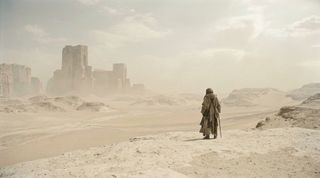
These are 8,000 pixels of the shot, graded with Sand Dunes. Each one sits at its color: brightness up the middle, saturation out from it, hue around it, like a vectorscope you can turn. Pick another look above and every pixel moves to its color in that grade.
The AI runs once per match. From then on the shot plays back and renders as fast as any other LUT. It all happens on your own machine, on the GPU (CUDA on Windows, Metal on Mac) or on the CPU, so your footage stays on your drive.
A 3D vectorscope of 8,000 pixels from the shot, each placed by its brightness, saturation and hue in the selected look.
Choose a color model
AI Color Match 2 comes with three color models. They read the same reference in different ways, so when one grade doesn't sit right on a shot, another often does. Pick one in the Model menu and the match updates right away, with the same reference.
-
LumenBalanced
The default. Stays faithful to the reference and keeps skin natural. Start here.
-
EmberBold
Pushes the look further. Our pick when the reference is a movie still.
-
PrismColor first
Takes the most color from the reference and keeps more of your shot's own light.
-
More models coming...
We're training more models. New ones appear in the Model menu when you update the plugin.
Same shot, same look (Plastic Dreamhouse), graded by each model.
A library of 150 looks
Browse Looks opens the library of 150 film-inspired looks inside your editor. Search it by name, color or mood, or narrow it down by tag.
Picking a look matches your shot to it the same way it matches to any other frame. Your own stills and saved matches go in My Looks, with Pro.
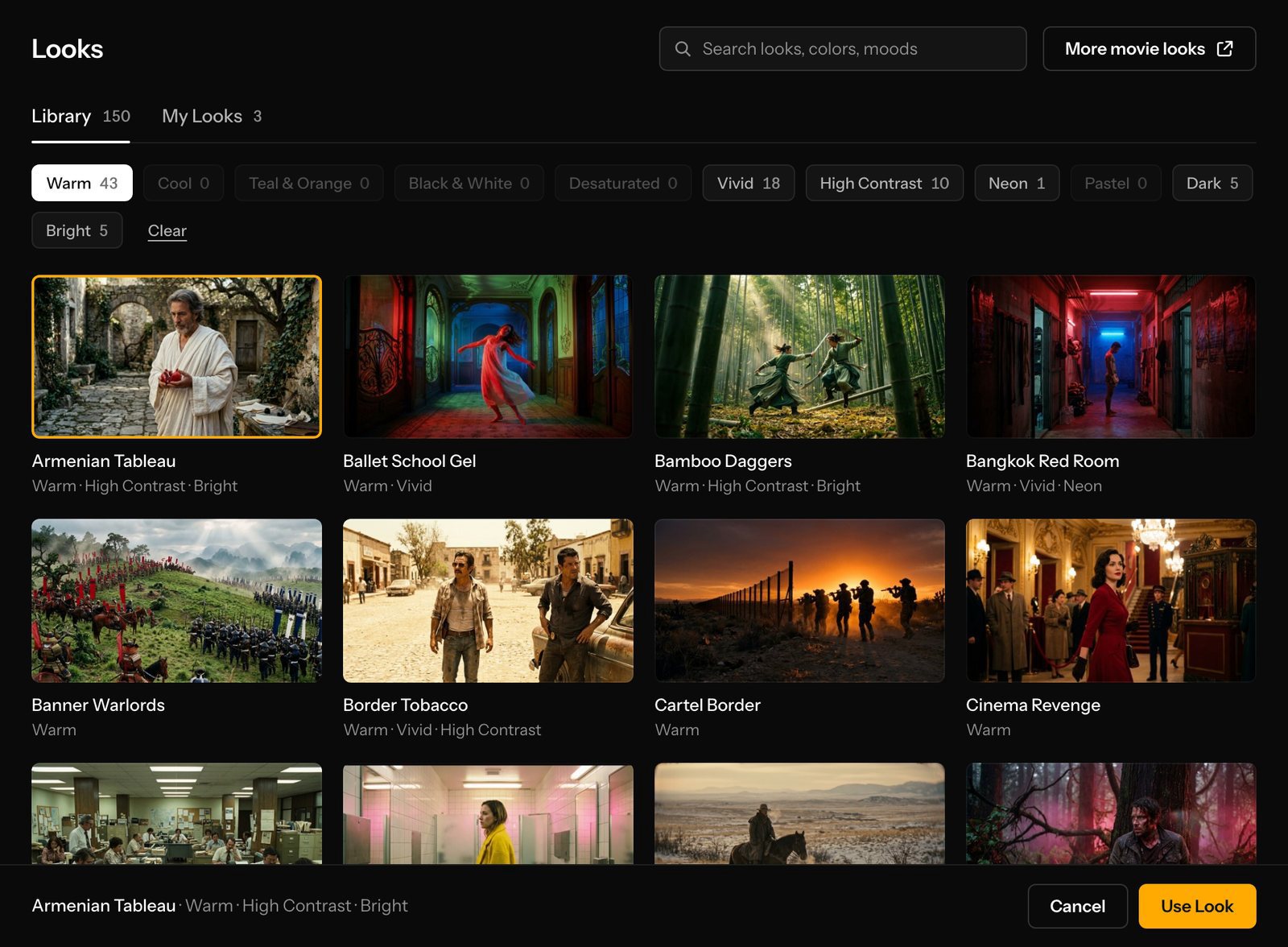
Browse LooksLibrary 150
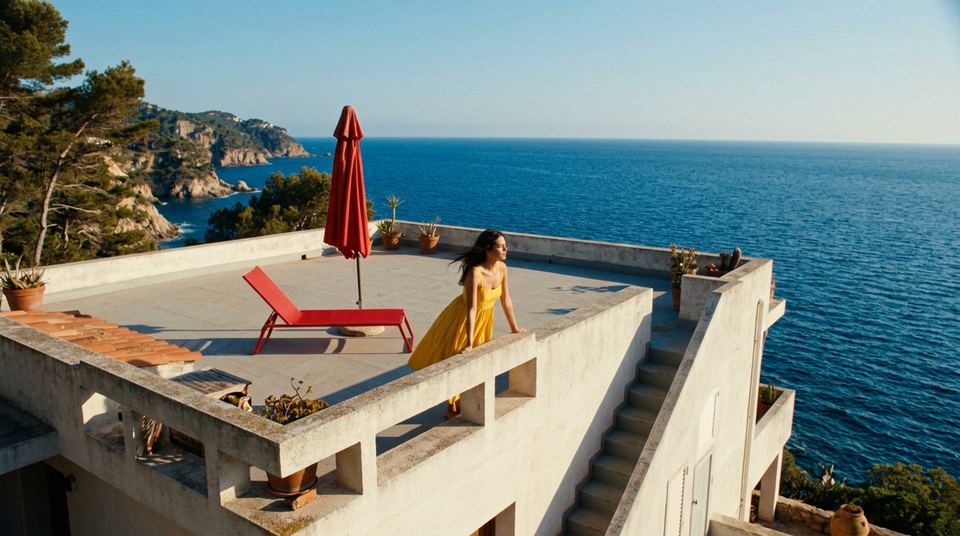
Capri VillaBright
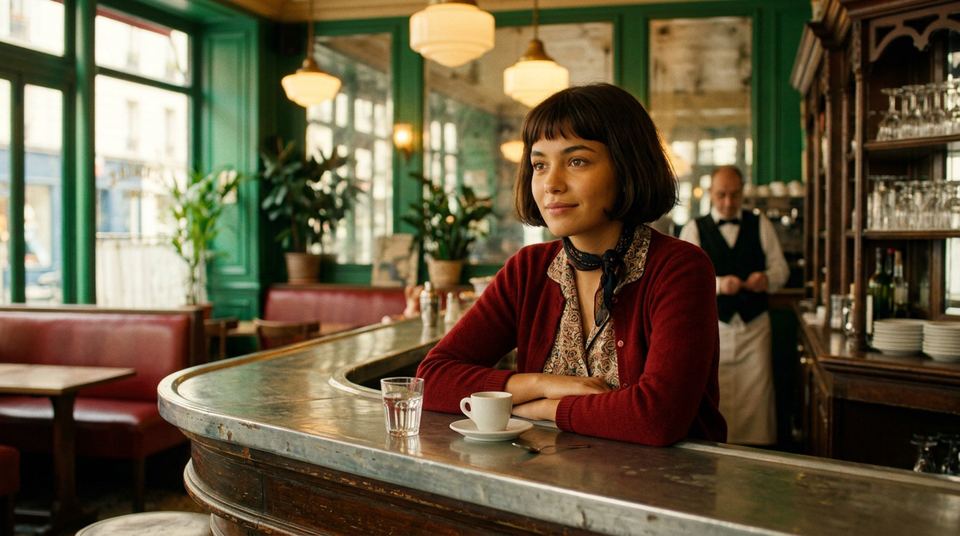
Montmartre DaydreamVivid
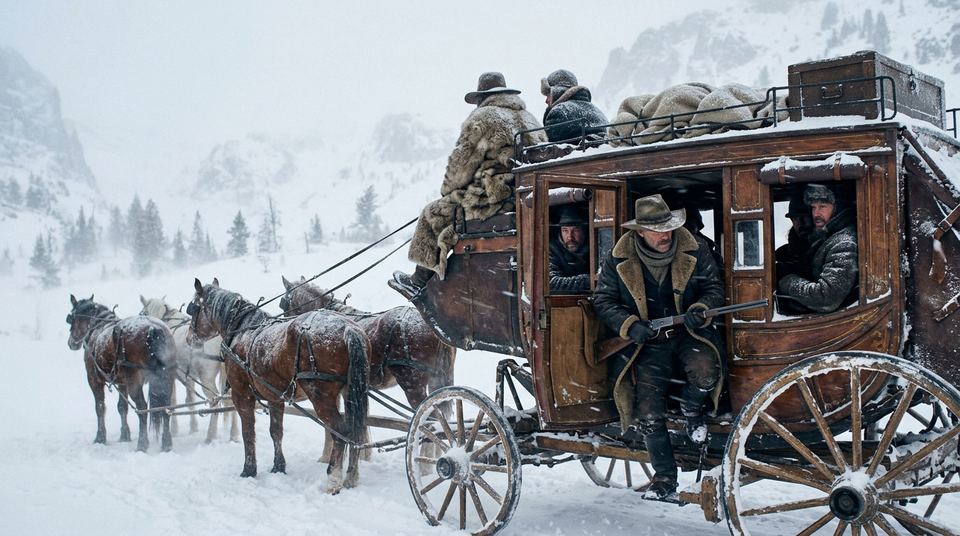
Blizzard CabinCool
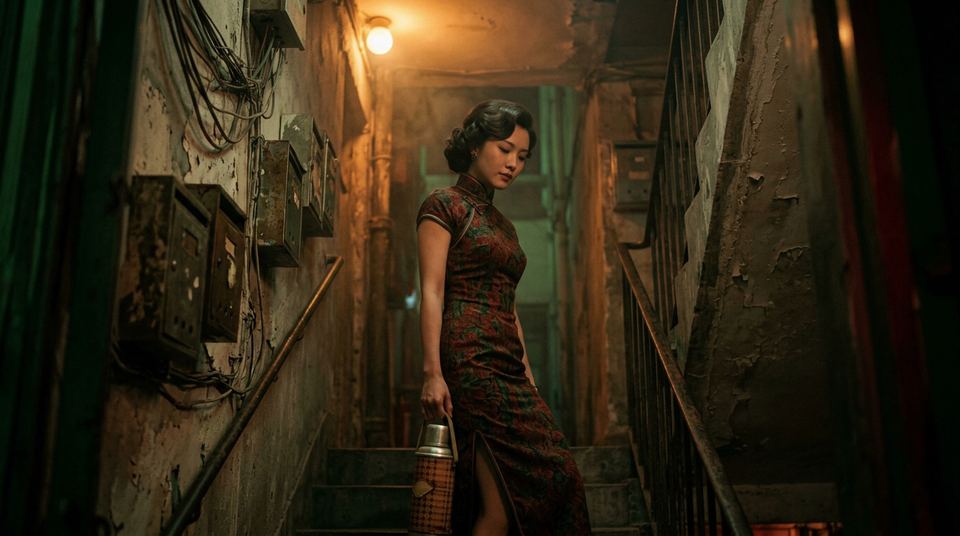
Noodle Stall RomanceWarm
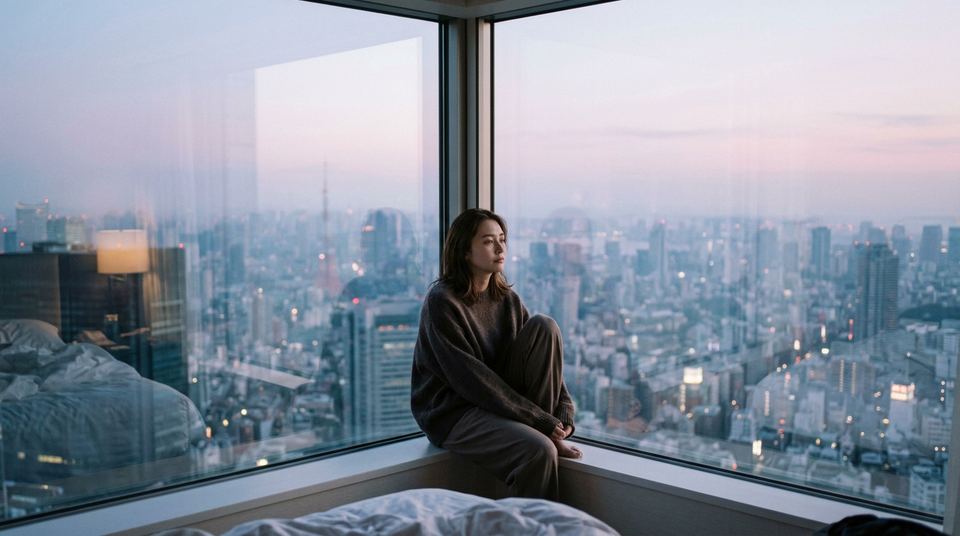
Tokyo InsomniaDesaturated
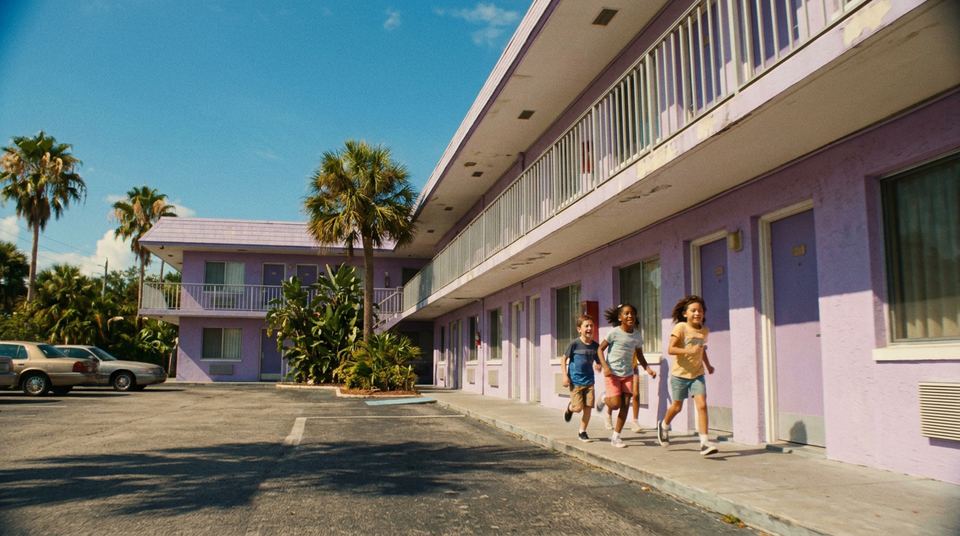
Purple MotelPastel
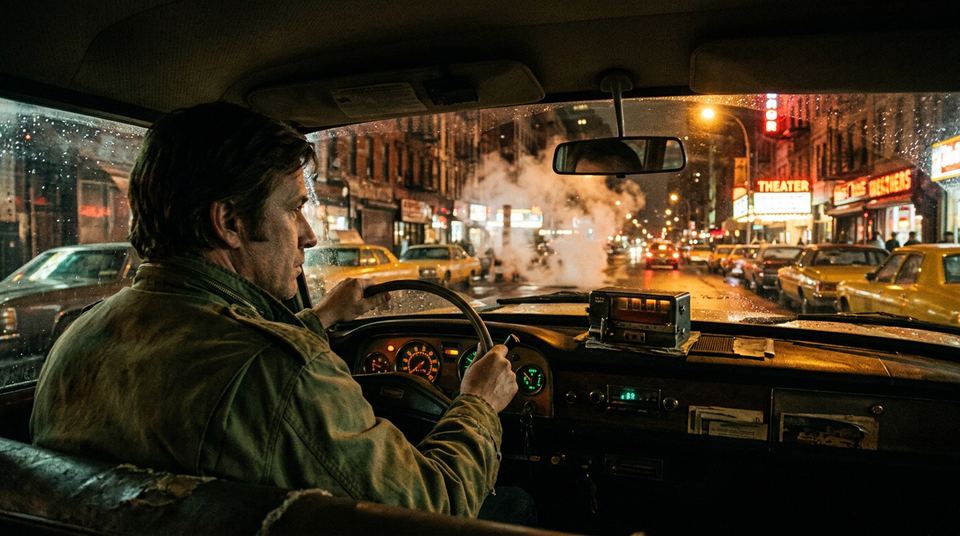
Midnight CabDark
In the effect panel
Browse Looks Opens the library of 150 looks. My Looks keeps your own, with Pro.
Load Reference Image Any still from disk, or another shot from your timeline under Use a Layer Instead.
Matching The reference, laid over the frame the match was made on.
Model Lumen, Ember or Prism. Switching re-matches.
Match at Playhead Runs the network once on that frame and writes the LUT.
Intensity Dials the match from 0 to 200%.
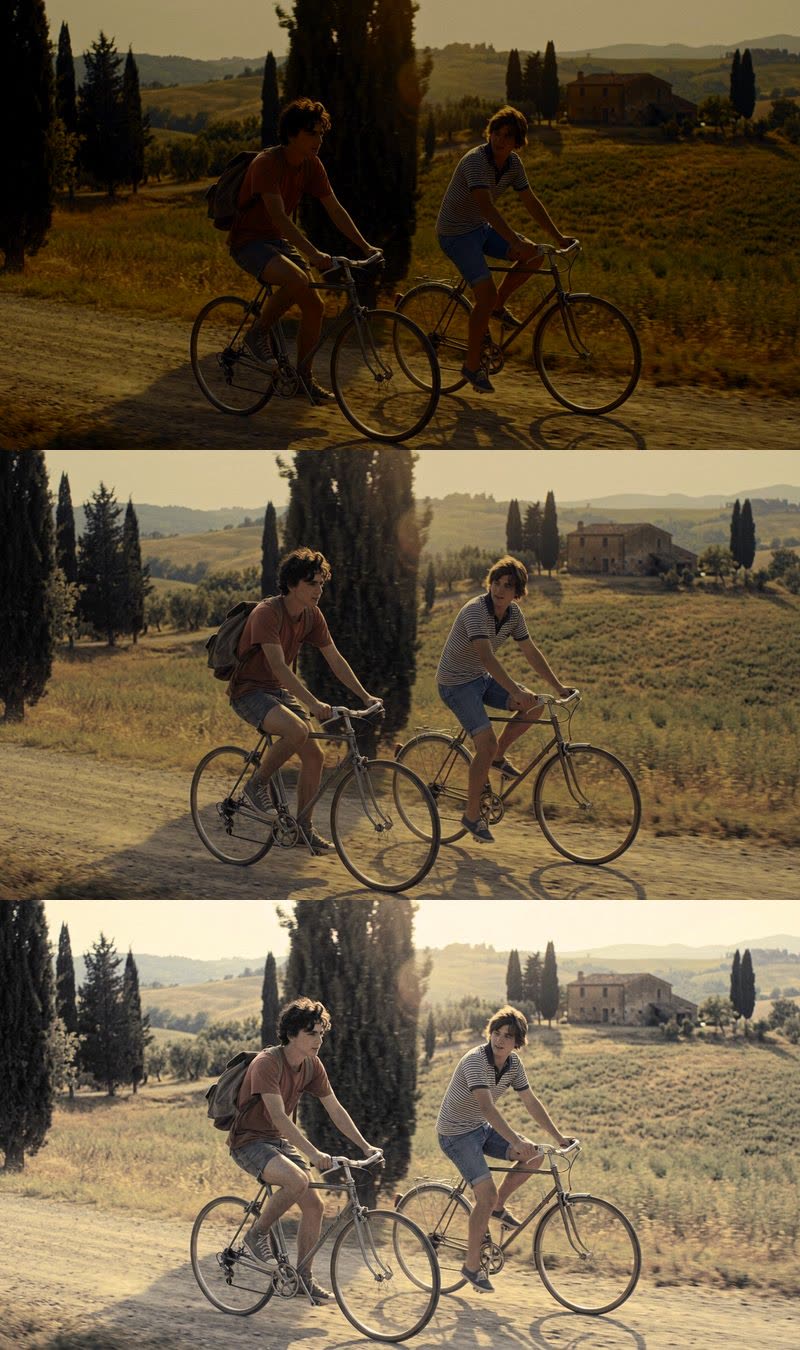
Preserve Luminance Keeps the shot's own exposure and takes only the color.
Preserve Luminance
Some looks change exposure as much as color. This slider sets how much of that exposure change your shot takes, here with Orange Haze 2050.
At 0%
The full match. Orange Haze 2050 brings its low exposure with it, and the shot goes dark and gold.
At 50%
The exposure lands halfway between the shot's and the look's, with all of the look's color.
At 100%
The shot keeps the exposure it was lit with and takes only the color of the look.
On real footage
-
1 shot15 looksLibrary
One shot, fifteen looks
-
Day shots1 frameSame session
Matched to its own sunset
-
1 shot1 look0% and 100%
Preserve Luminance on a dark rink
-
8 shots1 look8 LUTs
One look, eight shots
Get the plugins
AI Color Match runs in After Effects, Premiere Pro, DaVinci Resolve and Nuke. The plugins and their free trial are on Baskl.
See AI Color Match on BasklLocal inference API
The model behind the plugins also runs as a local API, for scripts and pipelines on your own machines. It is in limited beta, and access goes through Baskl's Discord.
Request API access (opens Discord in a new tab)